Comfort
Calm density, stable layouts, and predictable state transitions that preserve working memory.
Desktop-first work system for teams + agents
Setu combines docs canvas, issue workflows, attachments, and audit-safe agent actions so teams can move from idea to shipped work without tool hopping or trust gaps.
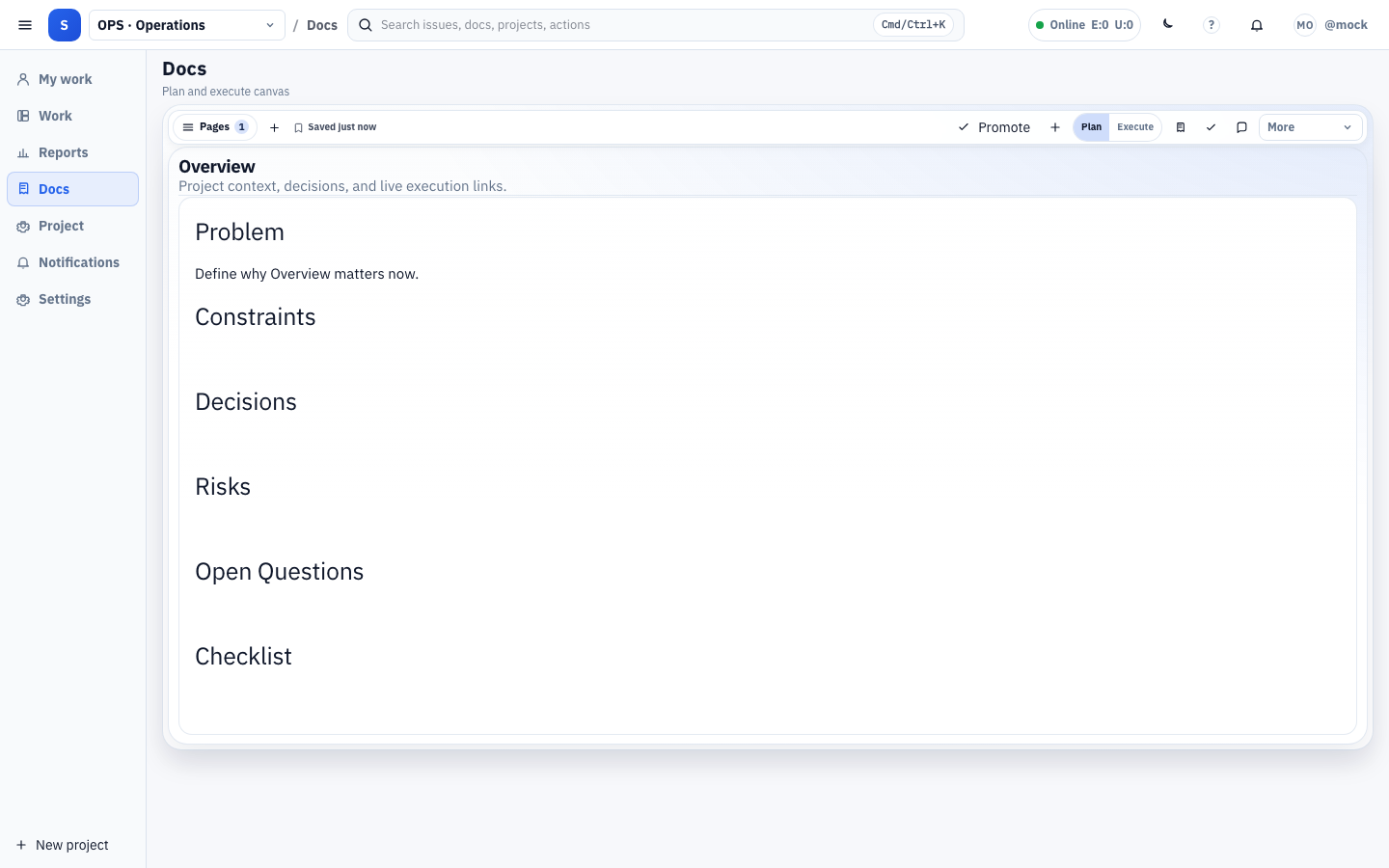
Built for high-signal execution loops, not dashboard noise.
Calm density, stable layouts, and predictable state transitions that preserve working memory.
One action model across pointer, keyboard, and agent-assisted workflows for faster throughput.
Preview and audit before apply, plus explicit recovery paths for high-impact mutations.
Human-led decisions with automation as acceleration, never hidden behavior shifts.
Onboard your team fast, then transition directly into planning and execution.
Set up a tenant for single-user or multi-user operation with shared audit context.
Define scope, workflow fields, and ownership so delivery lanes are ready from day one.
Invite teammates and monitor state transitions so onboarding progress remains observable.
Use in-product checklist flows to complete security, defaults, and execution readiness.
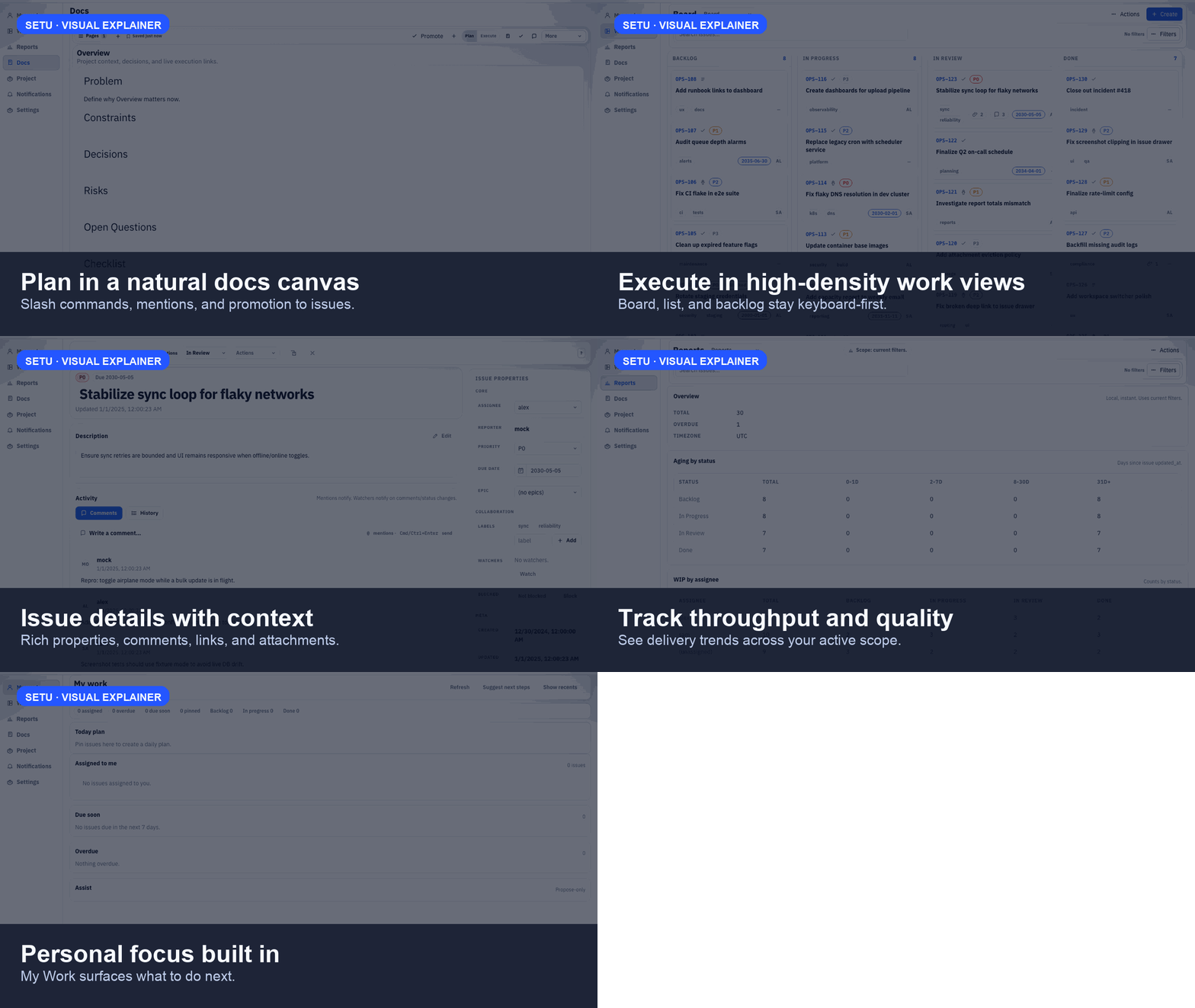
Real screens from the current product, not conceptual mockups.
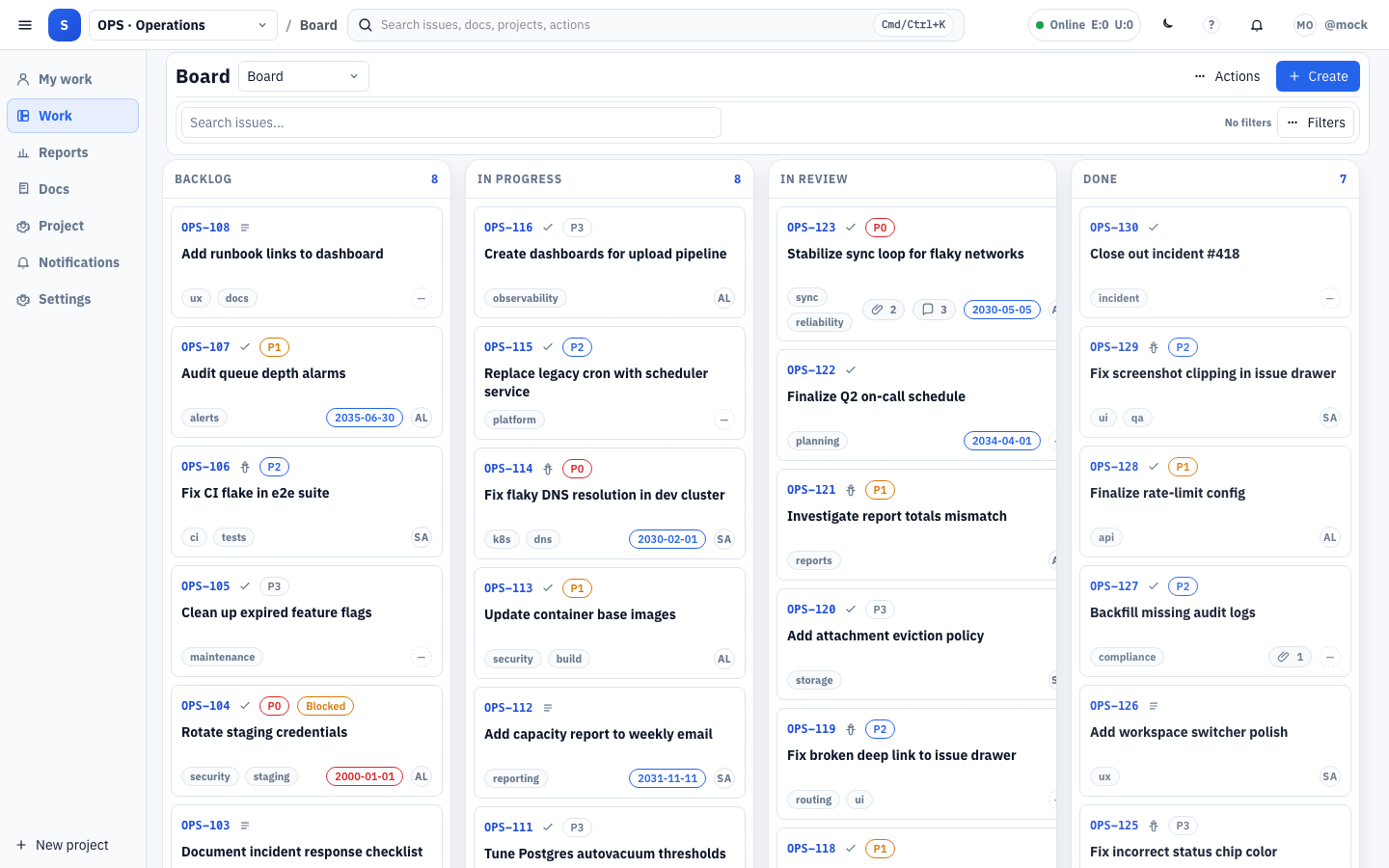
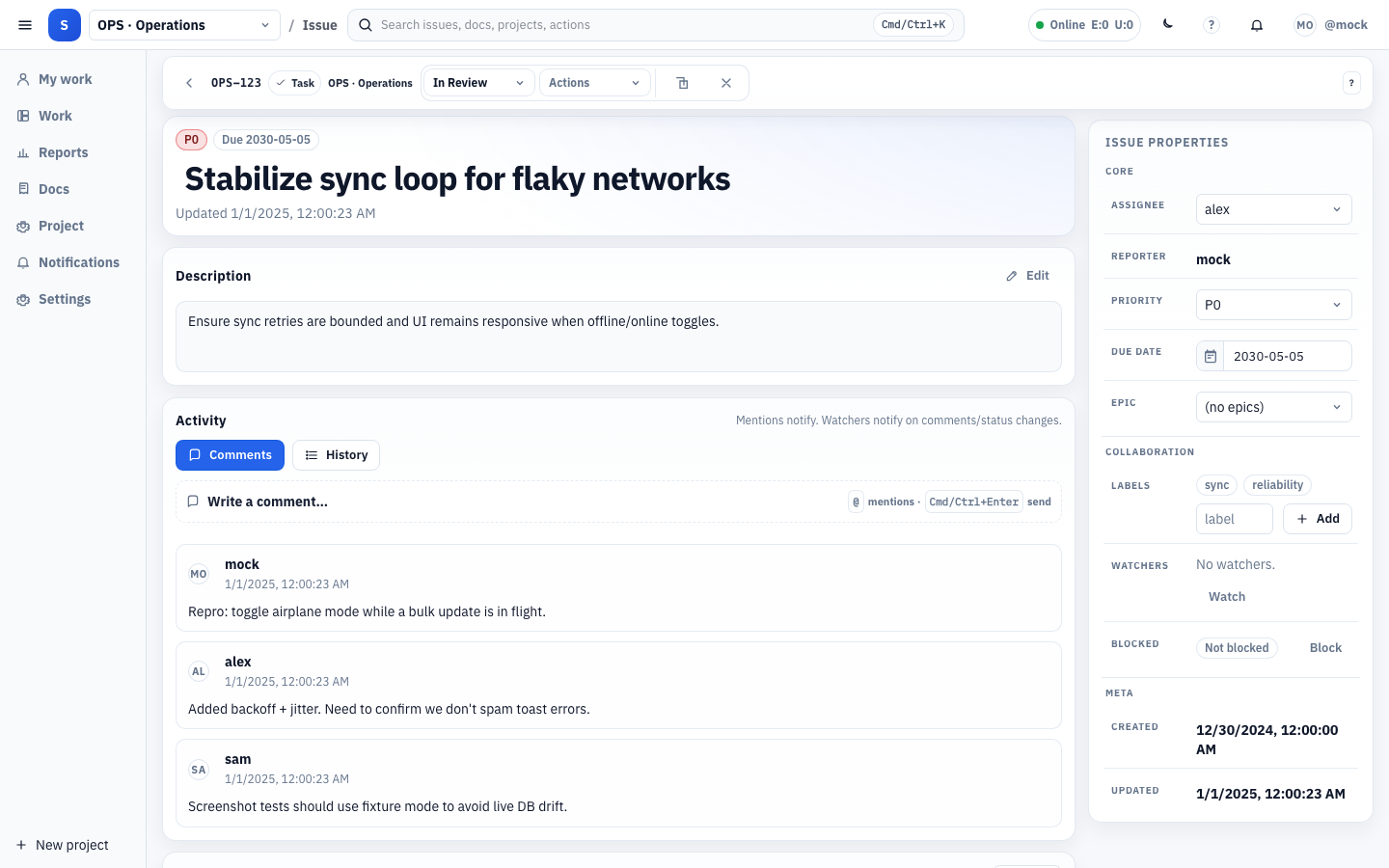
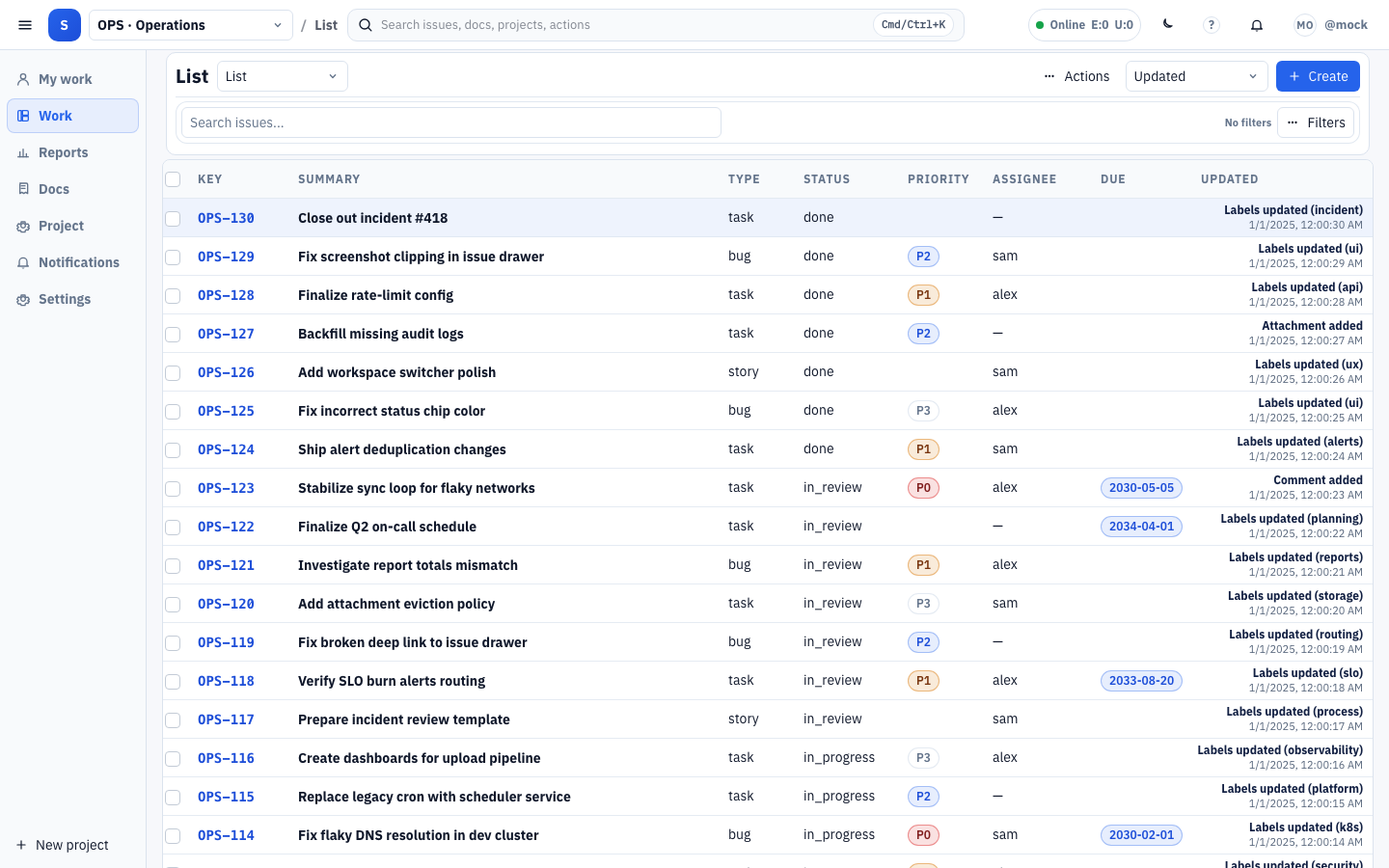
A quick visual walkthrough of Setu flow from planning to execution.
Human-agent changes remain explicit and reversible with one normalized flow.
Install, create your first workspace, invite the team, and run your first plan-to-issue cycle today.